v0.9 Documentation
The workbench allows you to import data from those types of files. They get uploaded into one of the workbench internal tables and can then be used as a data source, just like the SQL database connections can be.
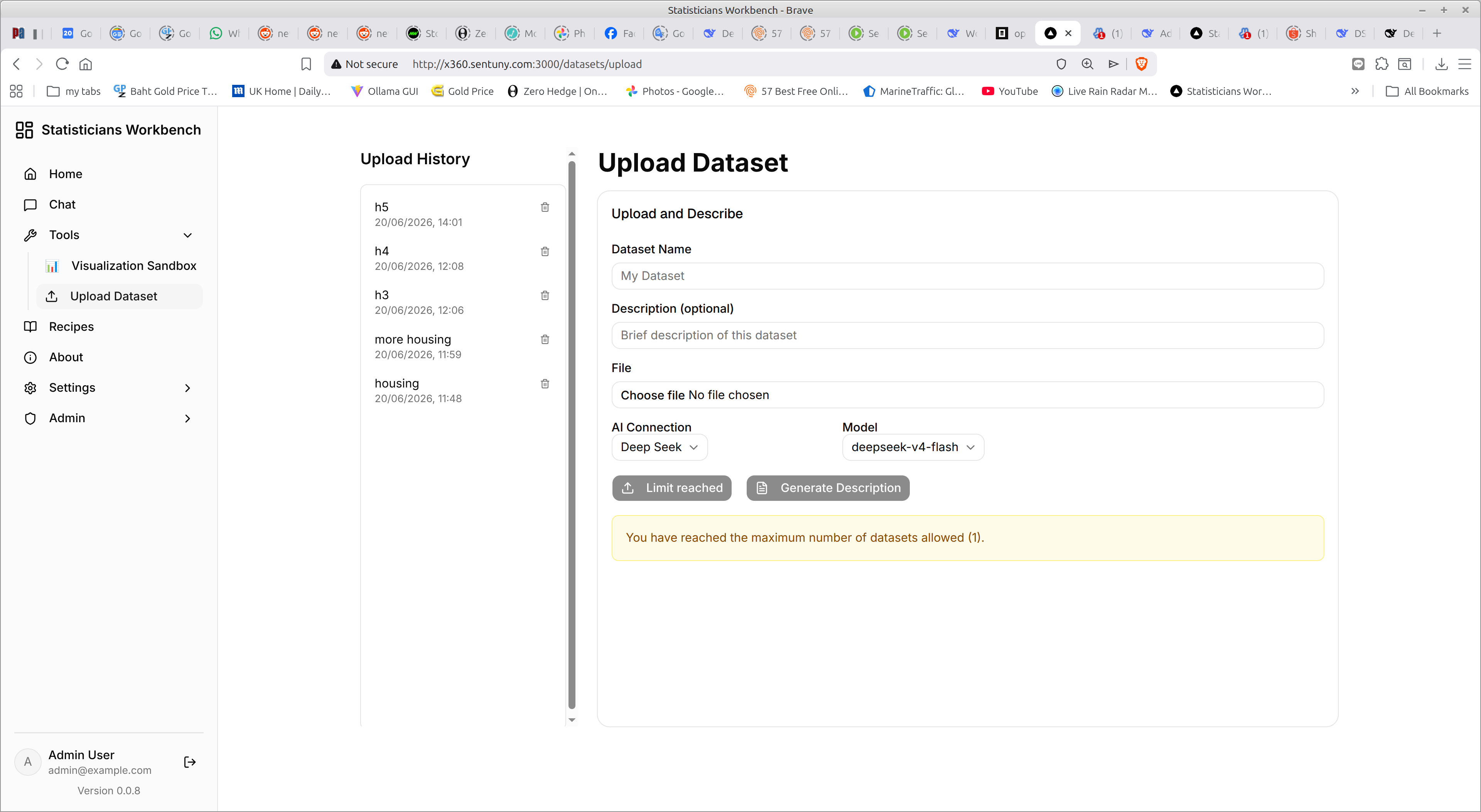
The Tools → Upload Dataset page looks like this
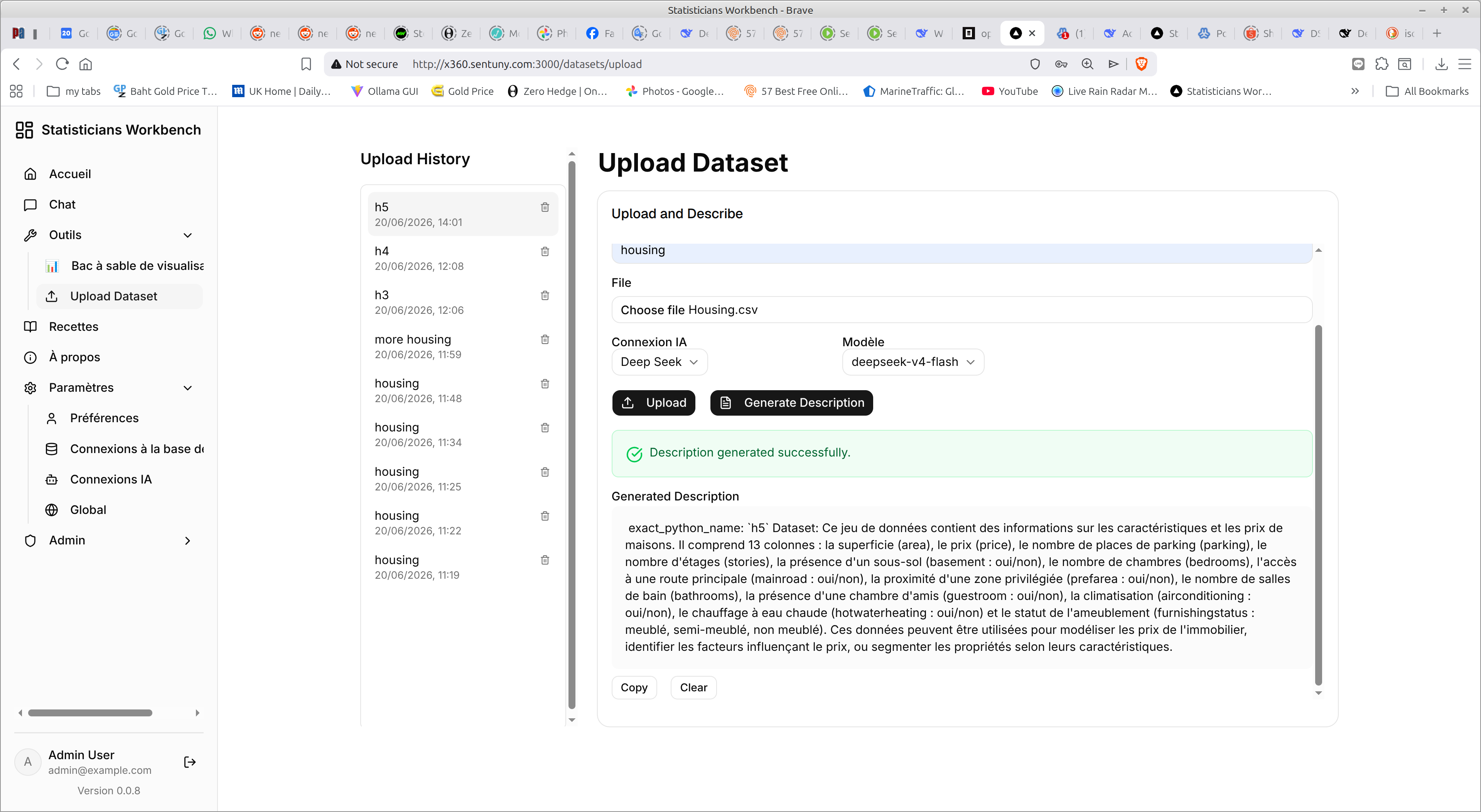
As you can see, the system remains completely multilingual – and this screenshot shows the results of uploading a file and generating the description of it (optional) – in French, because the user profile is set to prefer French.
Note: The description generation calls the AI provider’s API via DSPy and incurs costs according to the provider’s pricing.
The description is the results of an an AI analysis of the data and you control which Provider/Model is used to do that… just as you do for the basic Chat window.
You can use the bin Icon in the Update history to discard data that is no longer needed.
The site may impose definite limits to how many files you may upload, and a maximum size for each file. These limits (if any) are on a per user basis and controlled by the Admin user(s)